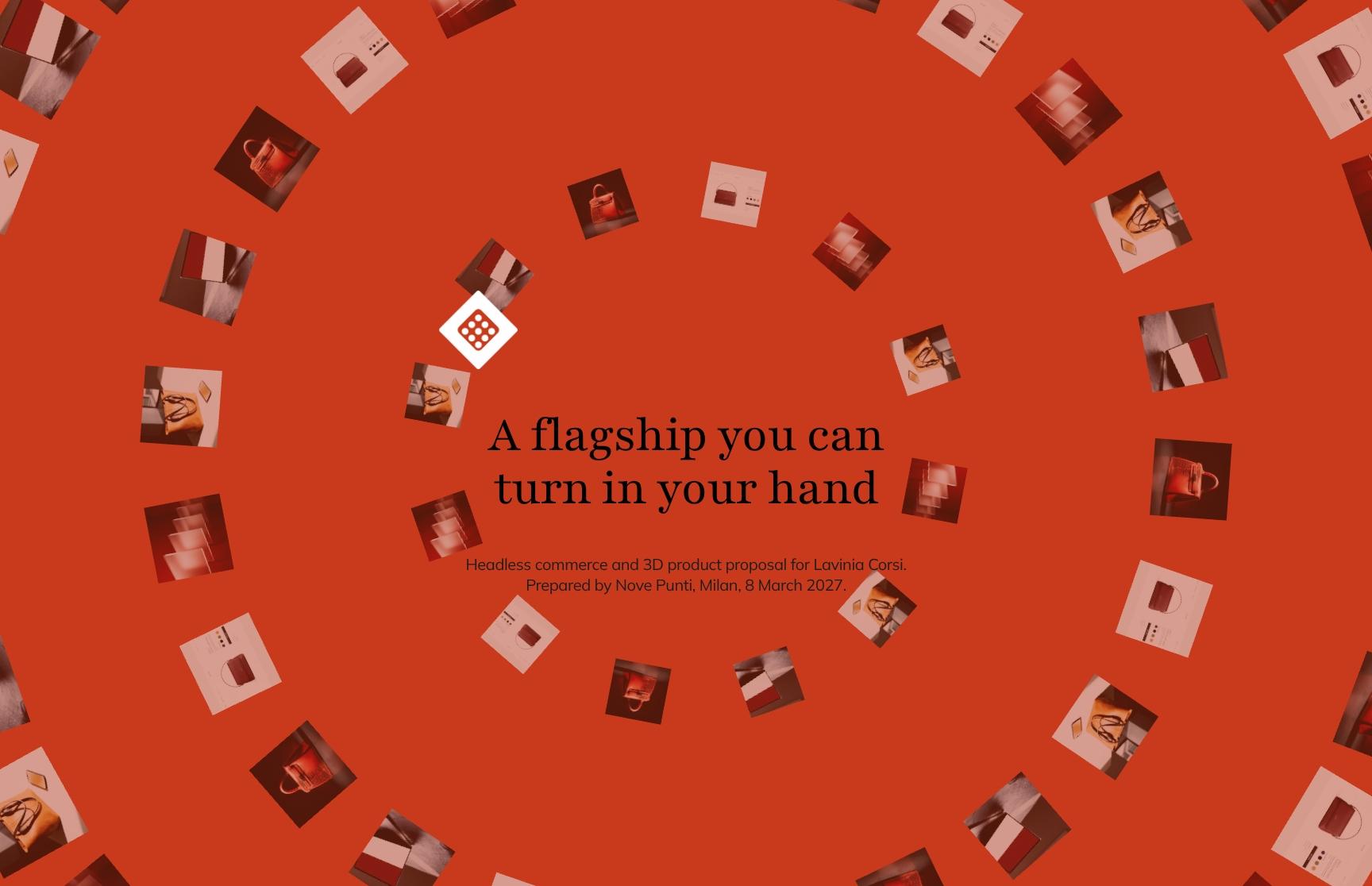
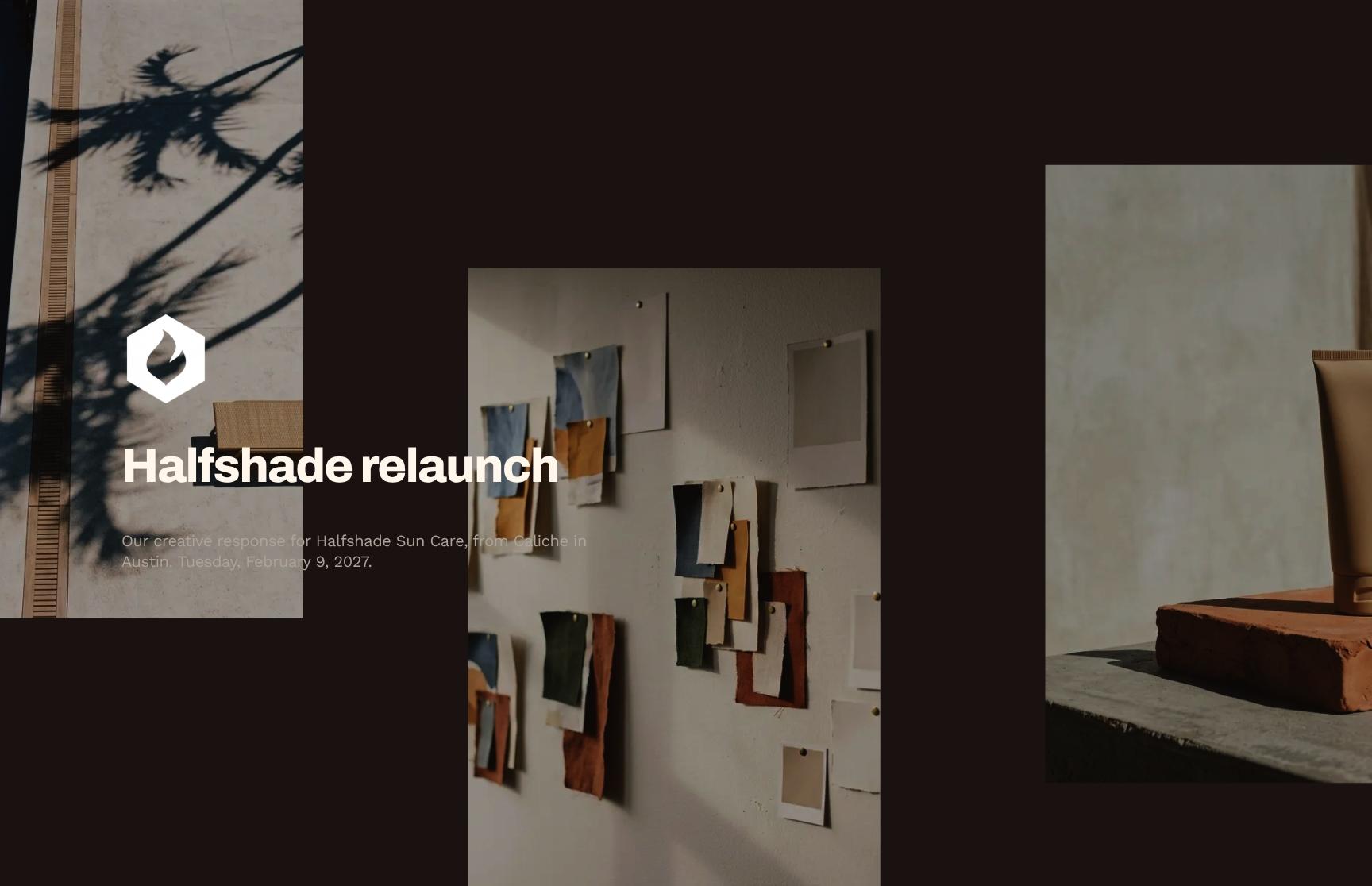
Digital Design Studio Portfolio Template
Showcase your web design studio with a portfolio template featuring positioning, studio stats, and case studies for research, culture and science clients.
Make it yours, in seconds
Every template is a starting point. Drag to shift colour, typography and layout — the live preview updates as you move.
Move the dots to shift colour, typography and layout. The preview updates live.
Get more from every document
Show research, culture and science clients exactly what your studio builds and the results it delivers. Image-led covers, animated positioning, live charts and case studies keep the work front and center.



Make your portfolio look like you
Swap colours, typefaces, and layouts so your hero images and case studies carry your own style, not a template's.
Build your portfolio from reusable blocks
Drop in galleries, showcases, and testimonials, then save your best case study layout to reuse on the next pitch.
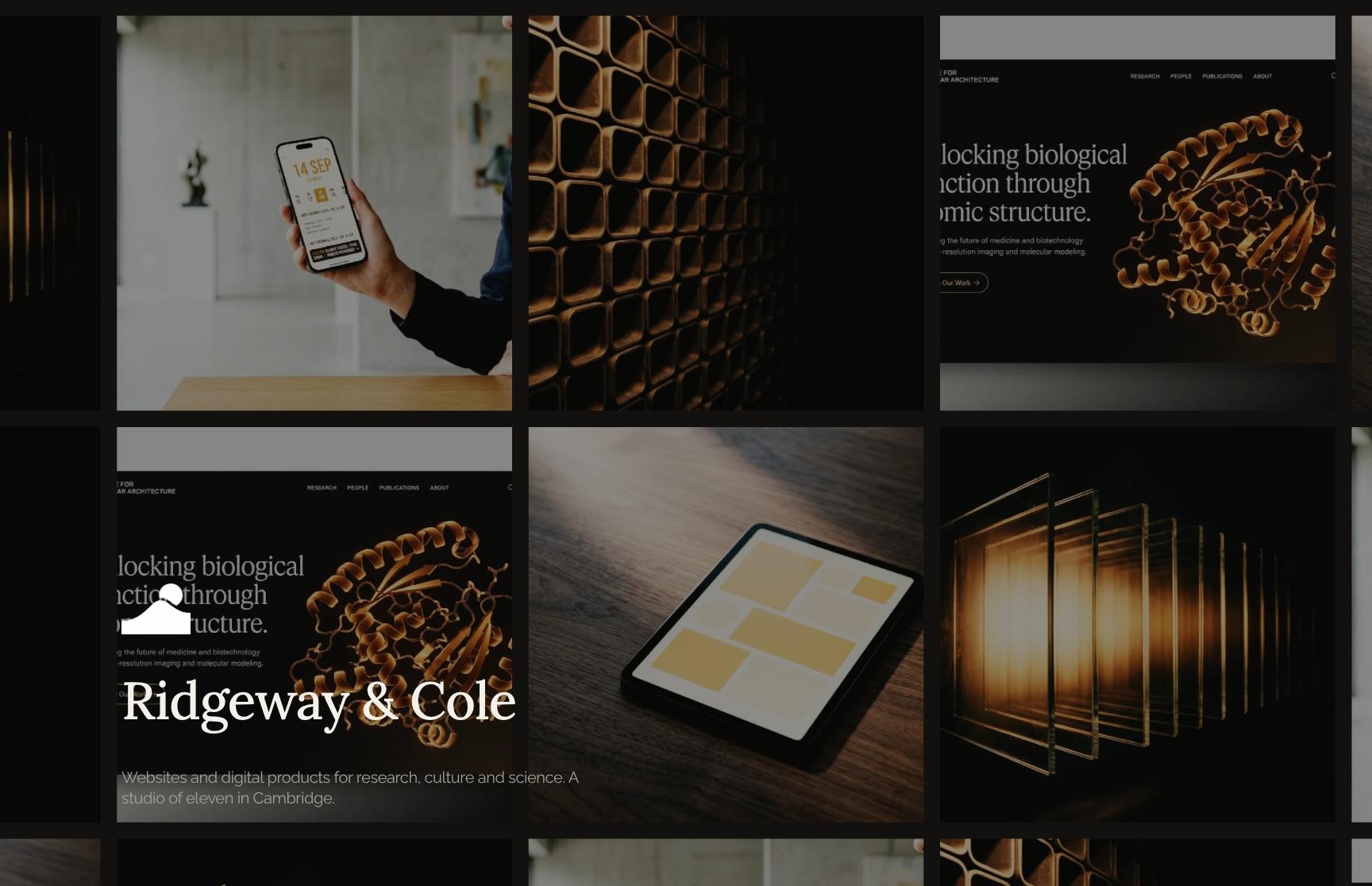
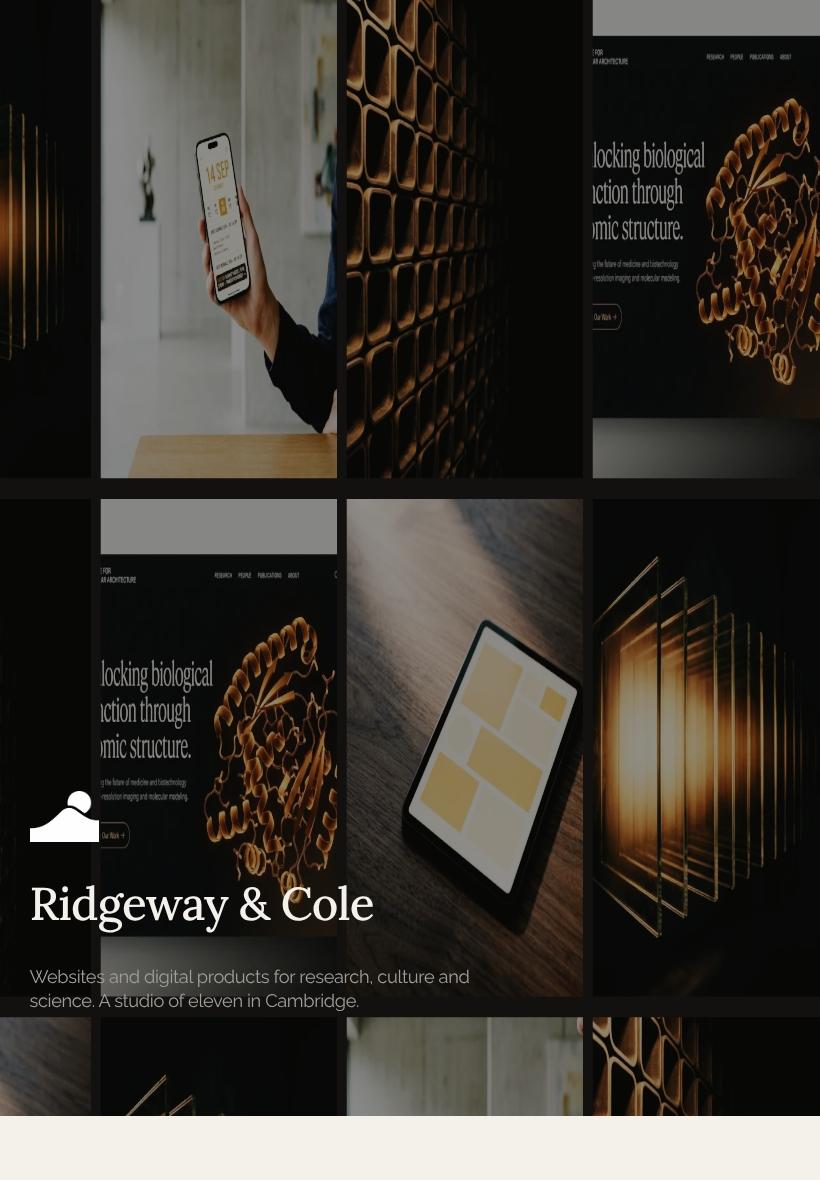
Your work looks right on any screen
Full-bleed hero images and galleries hold up on a client's phone, an art director's tablet, or a studio monitor.

See which projects hold their attention
Heatmaps show which case studies get lingered on, and session replays show when a client is ready for your follow-up.
Know when your portfolio gets opened
Get a ping the moment a client views your work, leaves a comment, or signs off, so you reply while it's fresh.
Build the portfolio with your team
Your designer tweaks the gallery while you rewrite case study copy, all in the same document, live.
See how every part fits
The portfolio opens with a full-bleed cover and closes with client testimonials and a clear path to starting a project. Keep, drop, or reorder any section so the story fits your studio.
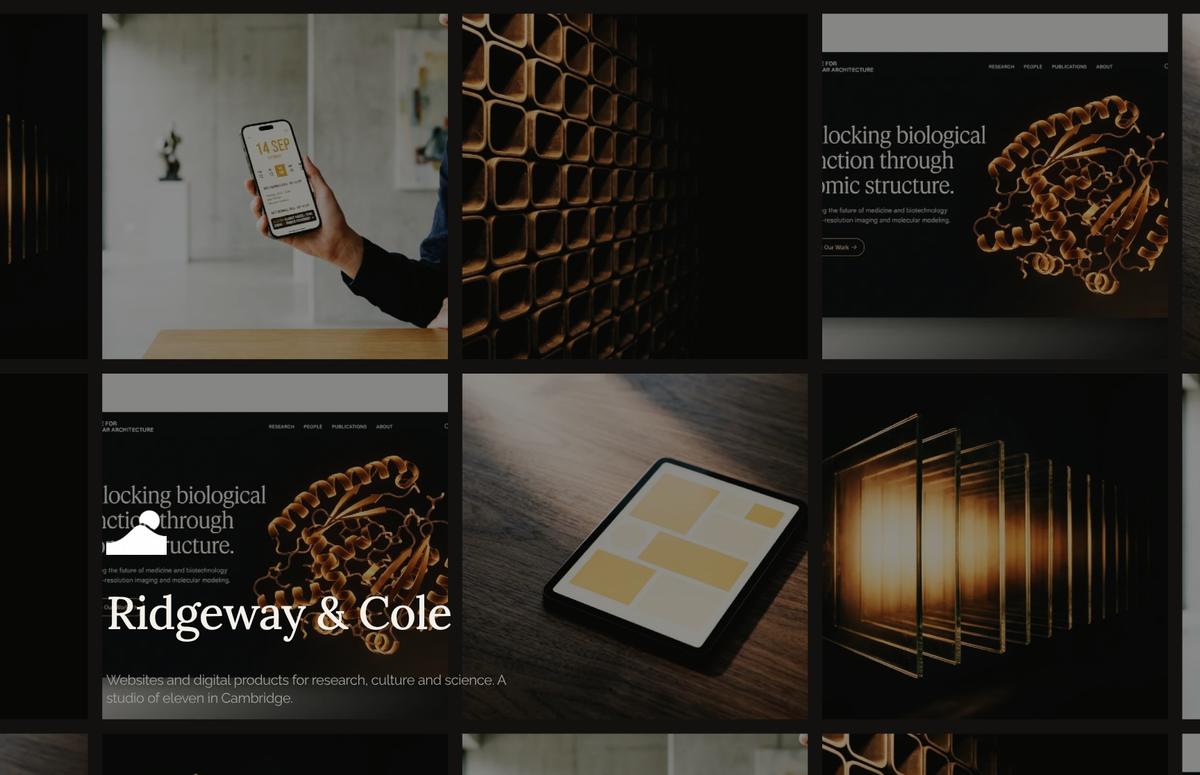
Full-Bleed Studio Cover with Image-Led Hero
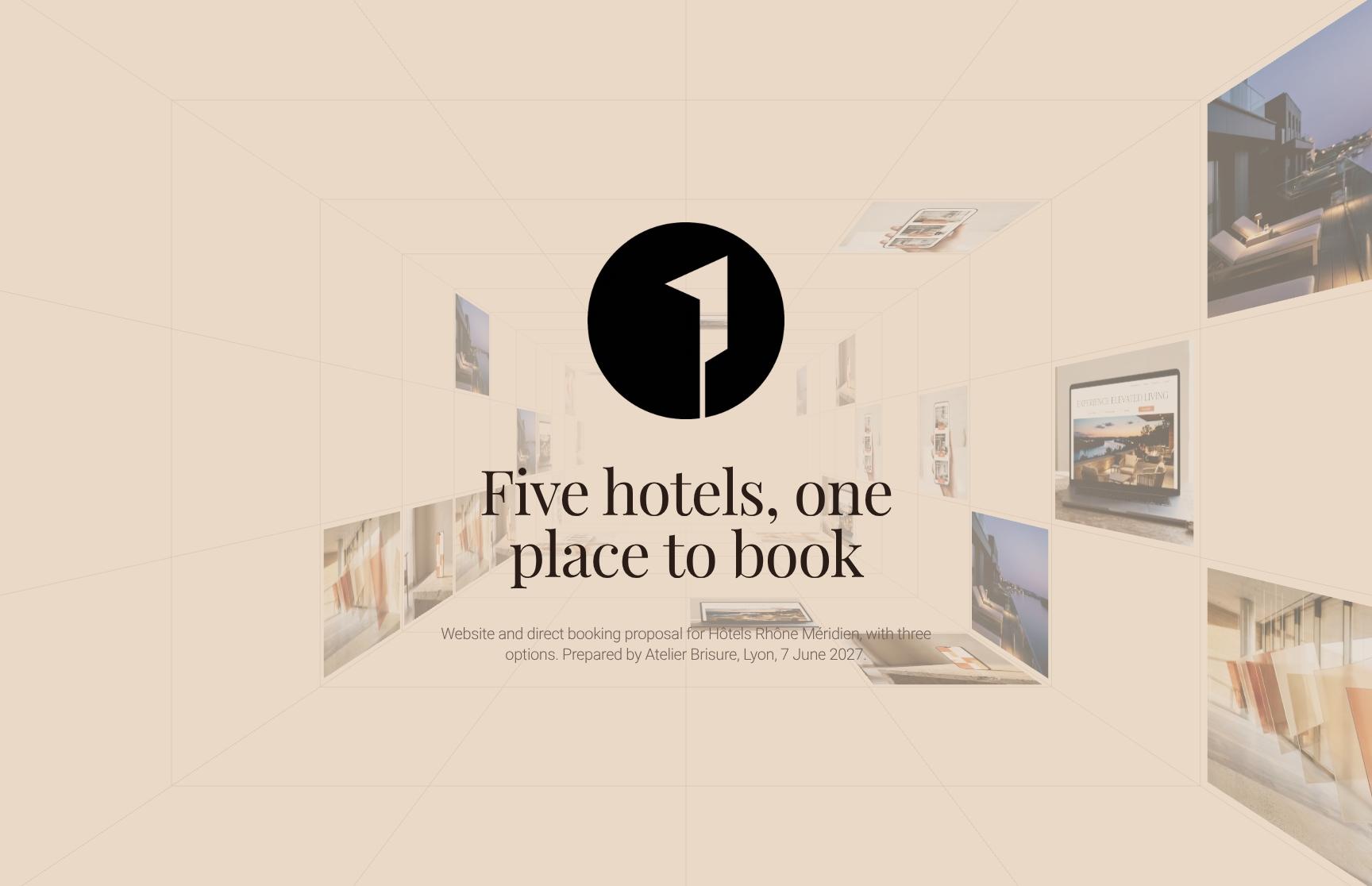
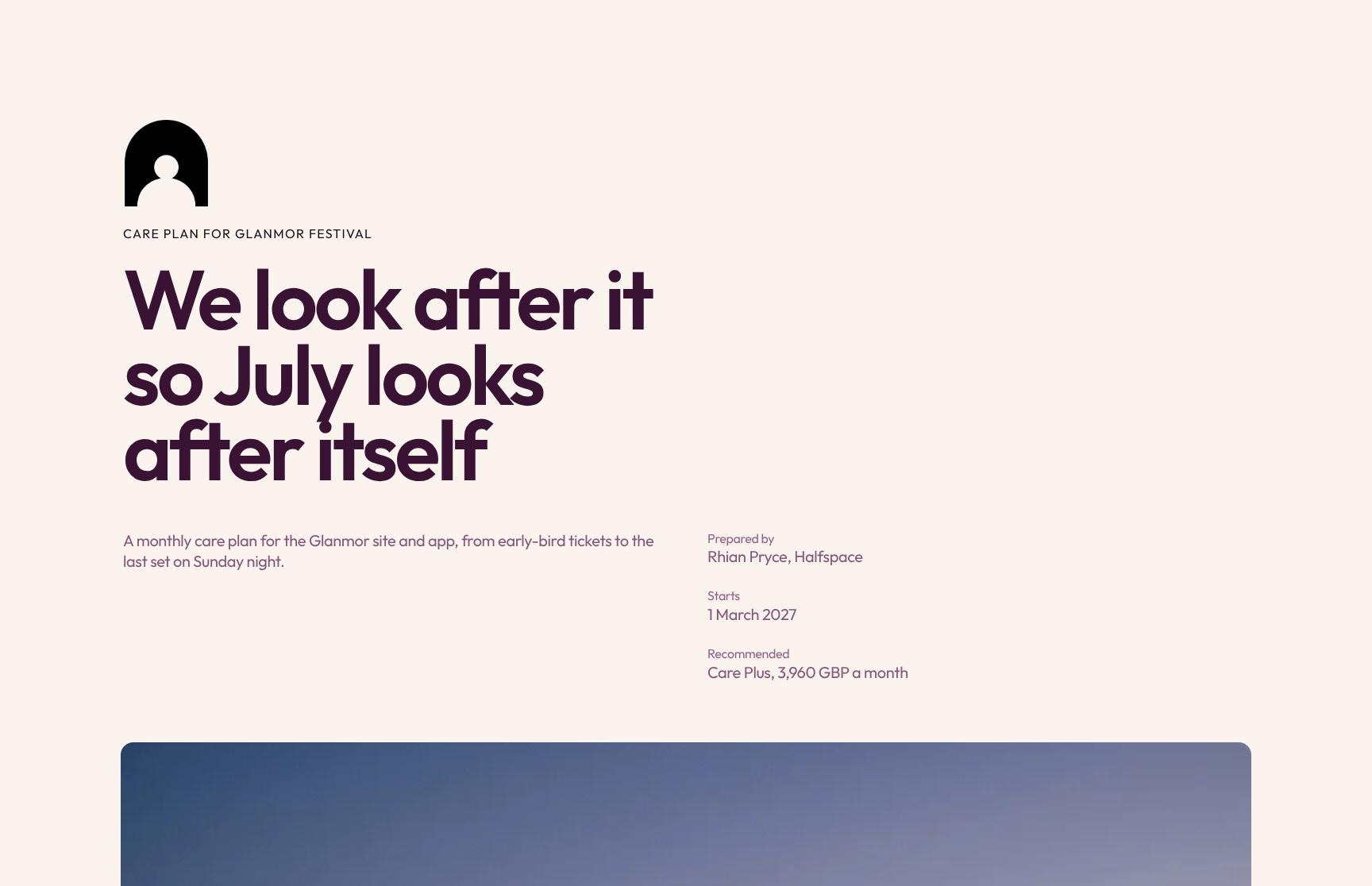
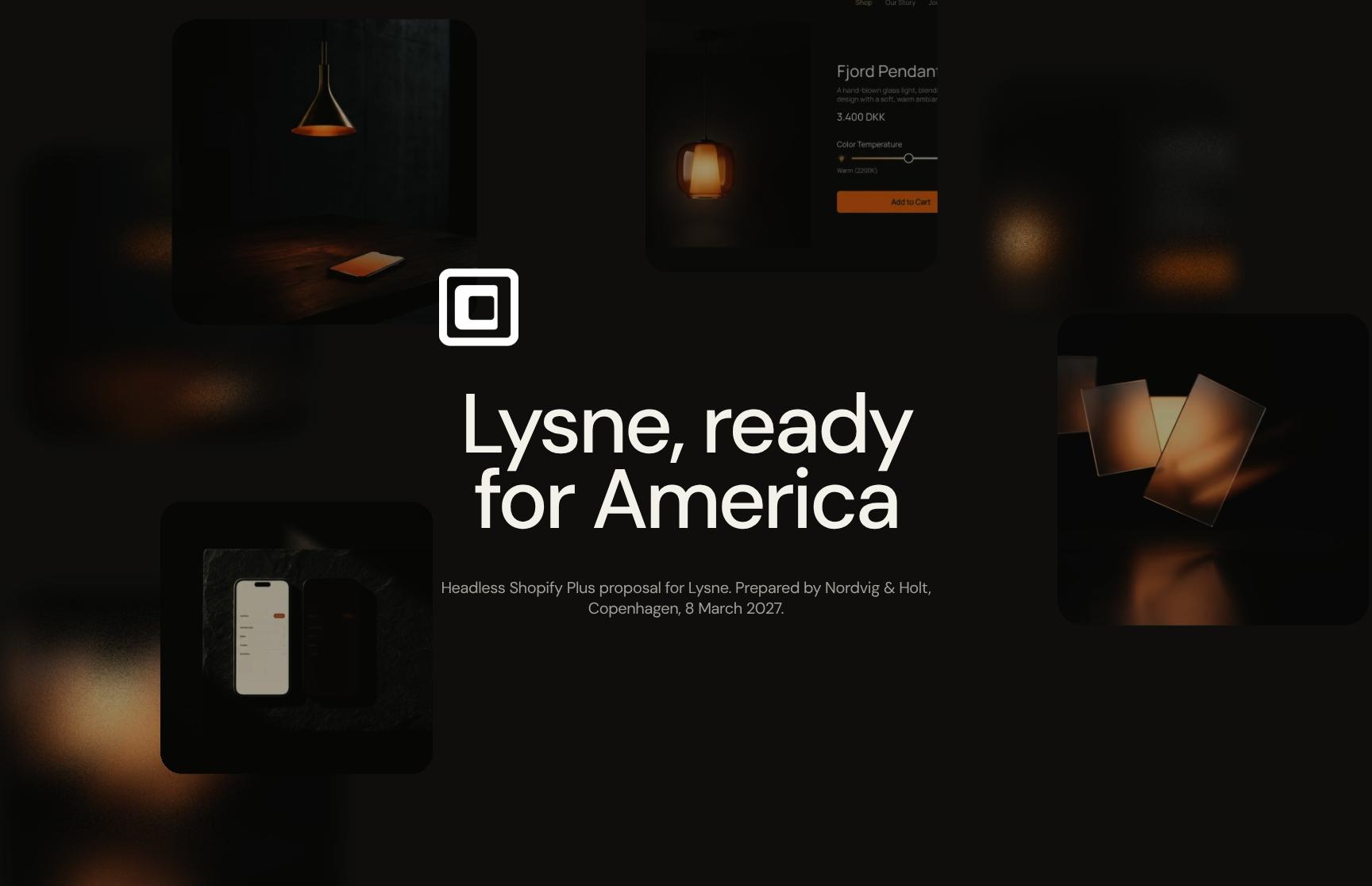
A confident opening that introduces Ridgeway & Cole, an eleven-person Cambridge studio building websites and digital products for research, culture and science. Imagery sets the tone and tells visitors who you serve in seconds.
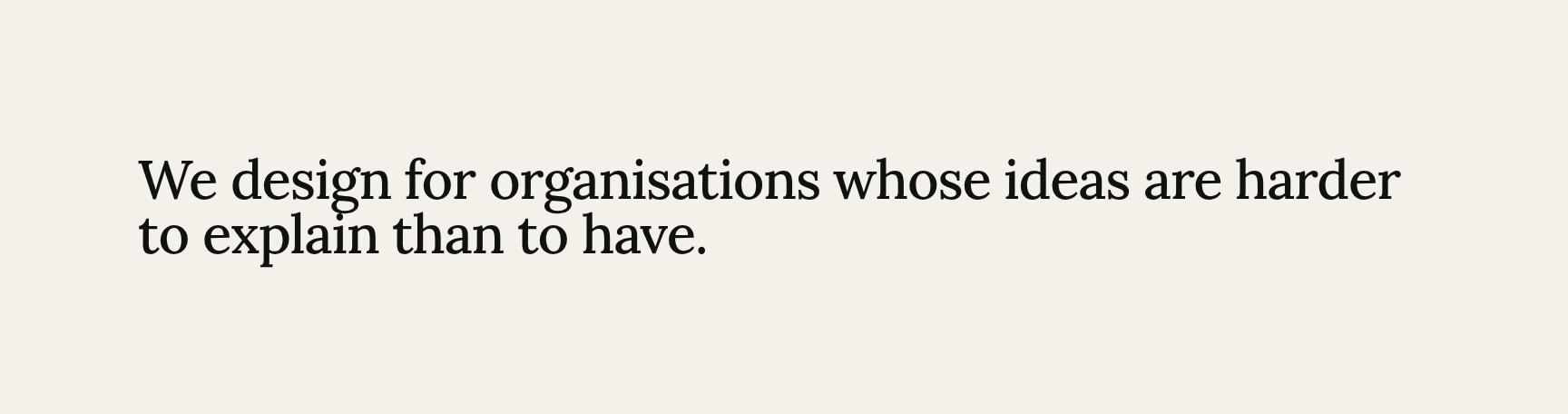
Animated Positioning Statement for Complex Ideas
A single animated line of text that states your niche: designing for organisations whose ideas are harder to explain than to have. It builds a memorable brand position and filters for the right clients.
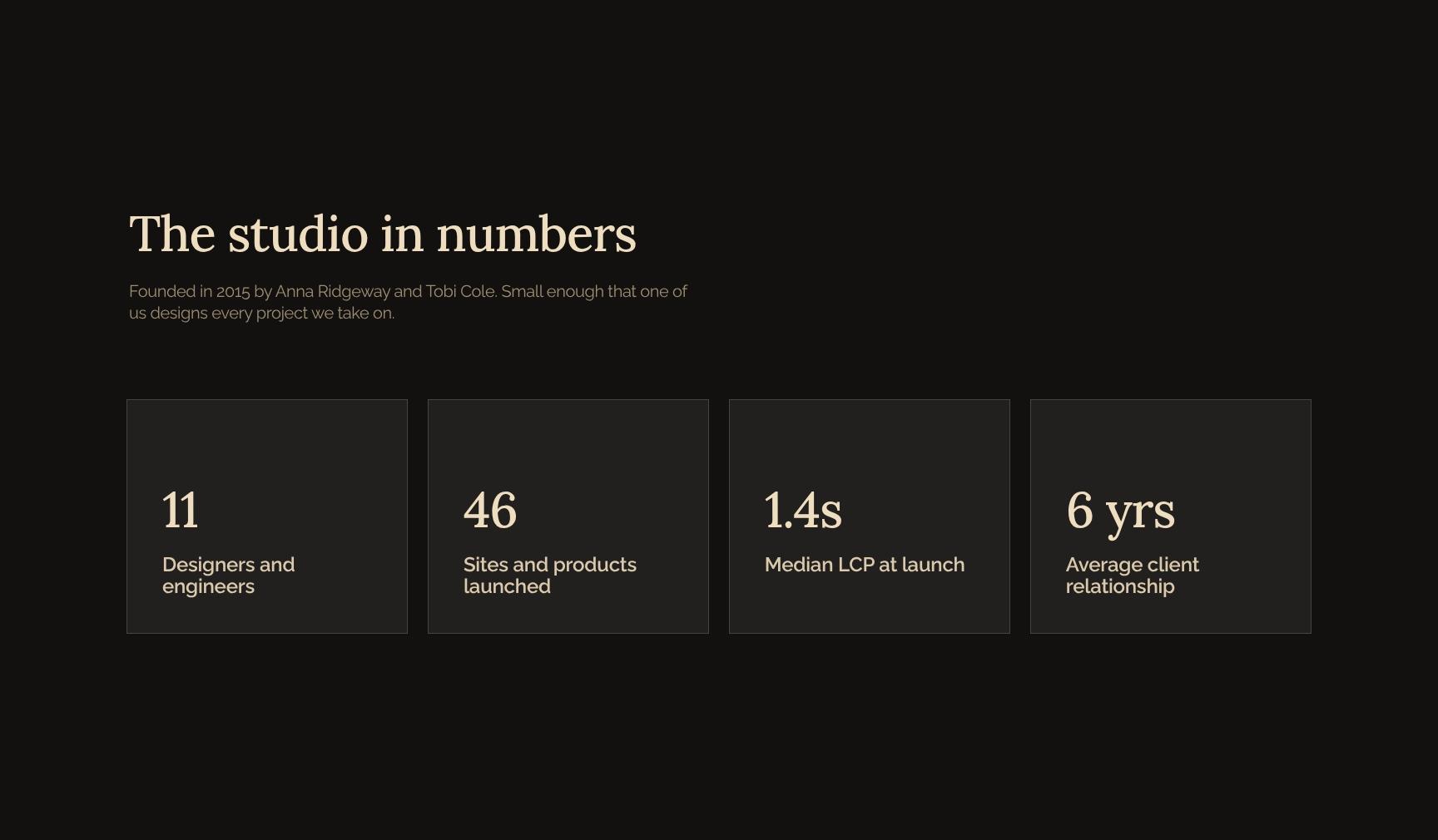
Studio Facts and Founders in Numbers
Card-based snapshot of the studio: founding year, founders Anna Ridgeway and Tobi Cole, and the promise that a founder designs every project. Quick, scannable proof of credibility and senior attention.
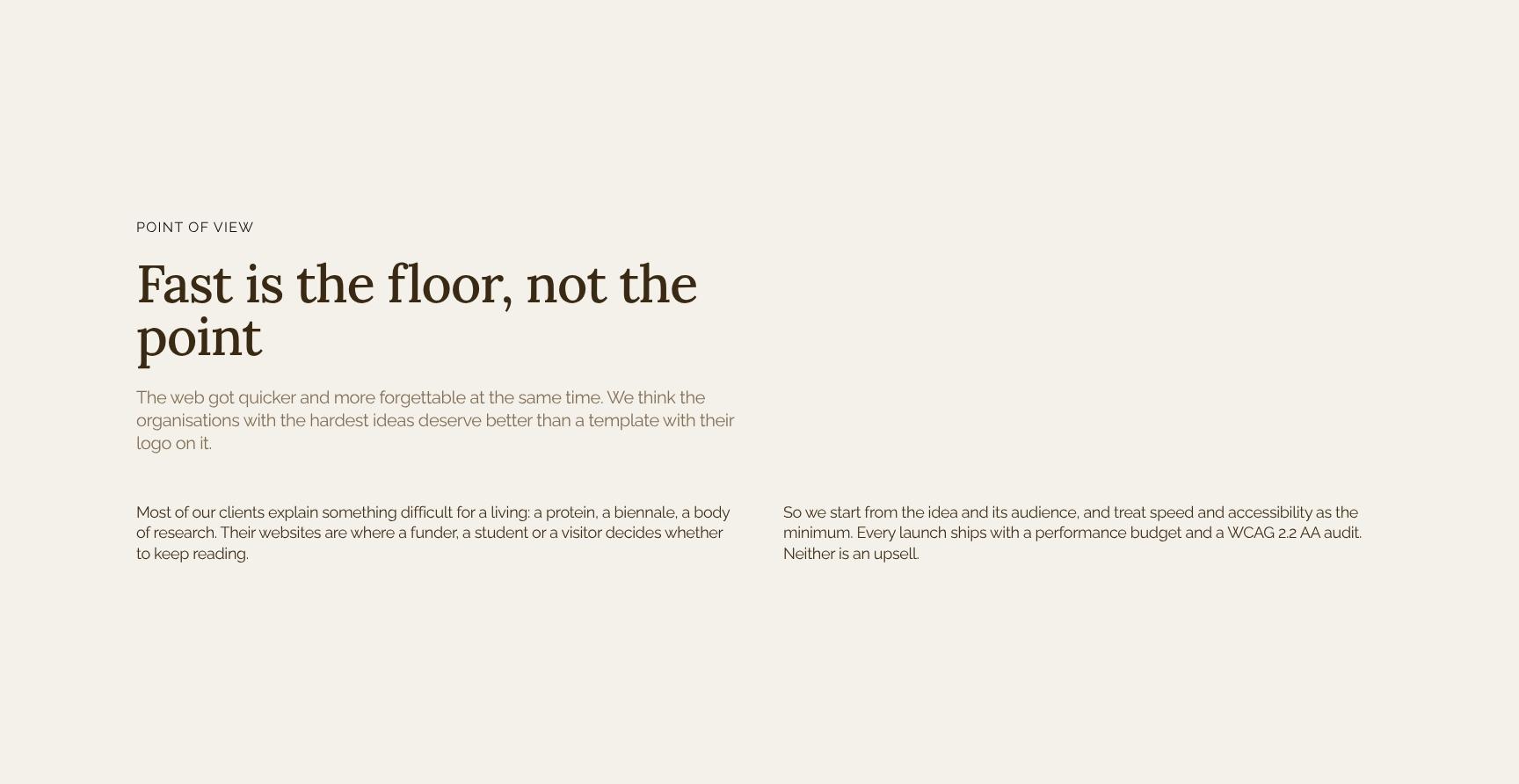
Point of View Manifesto on Performance and Design
A short editorial statement, 'Fast is the floor, not the point', that sets out your design philosophy. It shows thought leadership and explains why hard ideas deserve more than a template with a logo on it.
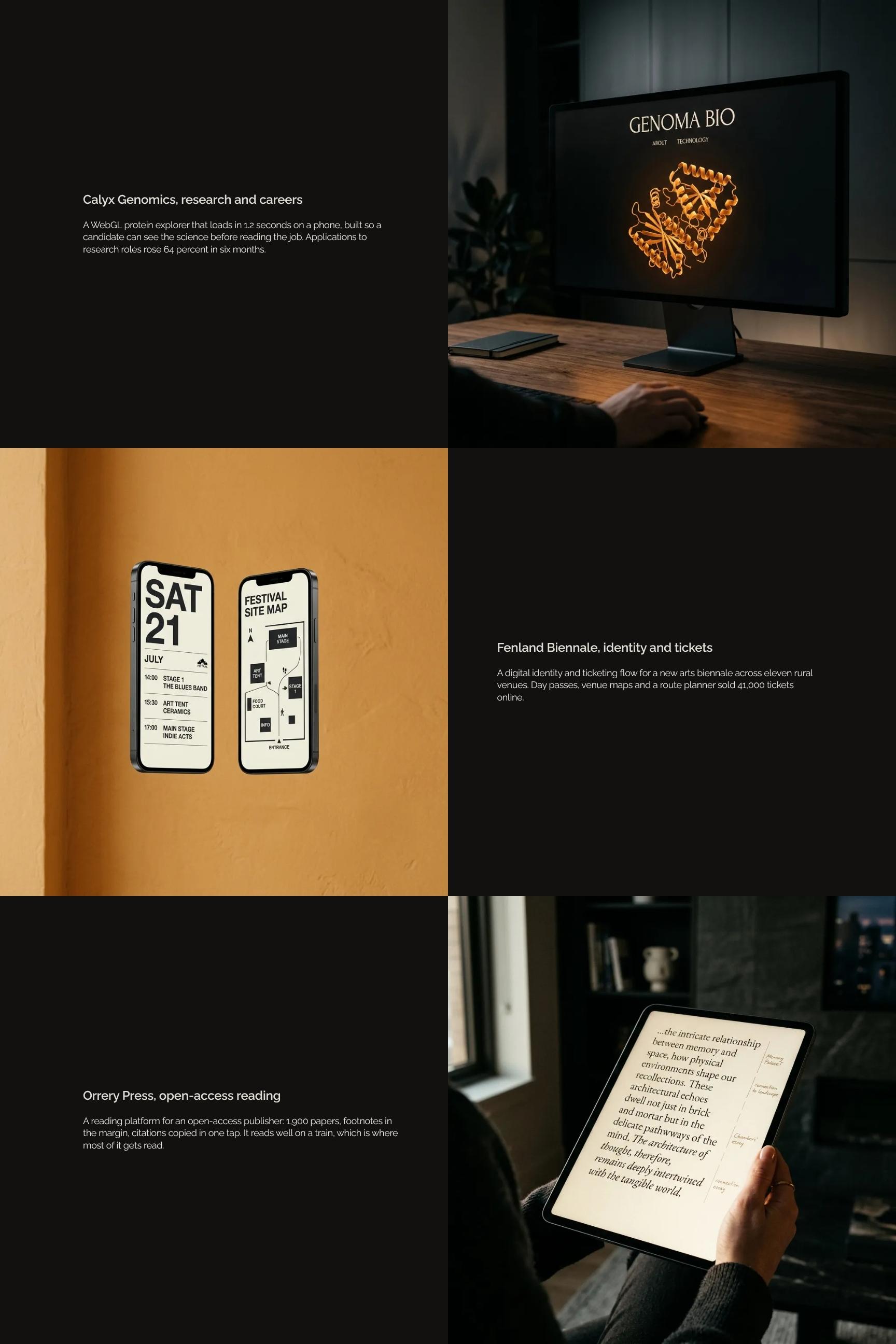
Featured Case Study Showcase with Measurable Results
A spotlight on flagship work such as the Calyx Genomics WebGL protein explorer, with load time and a rise in research applications. It pairs visuals with outcomes to prove your work delivers real results.
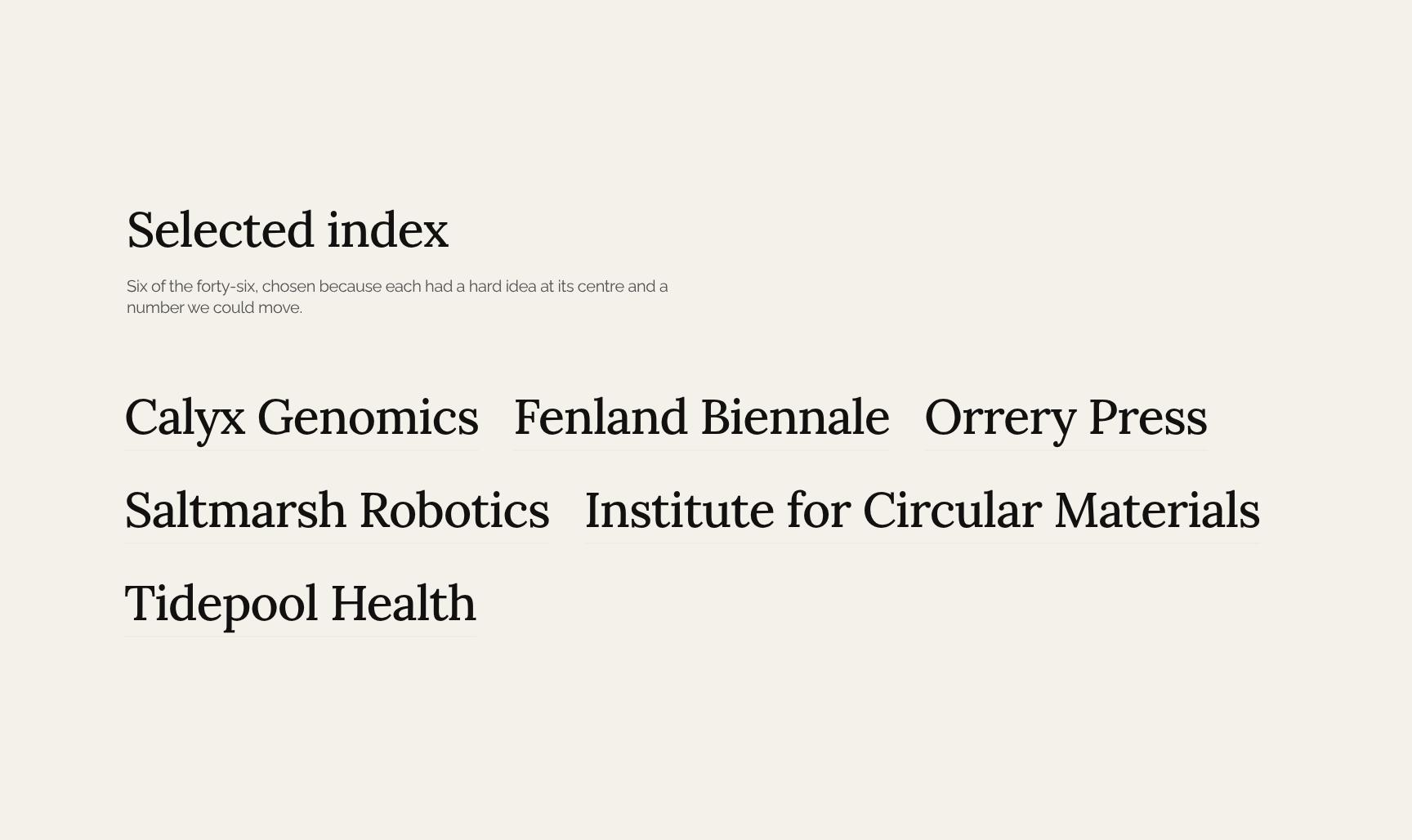
Selected Project Index of Research and Culture Work
A curated list of six standout projects from forty-six, each chosen for a hard central idea and a measurable result. It lets visitors browse breadth of experience quickly and jump to the work most relevant to them.
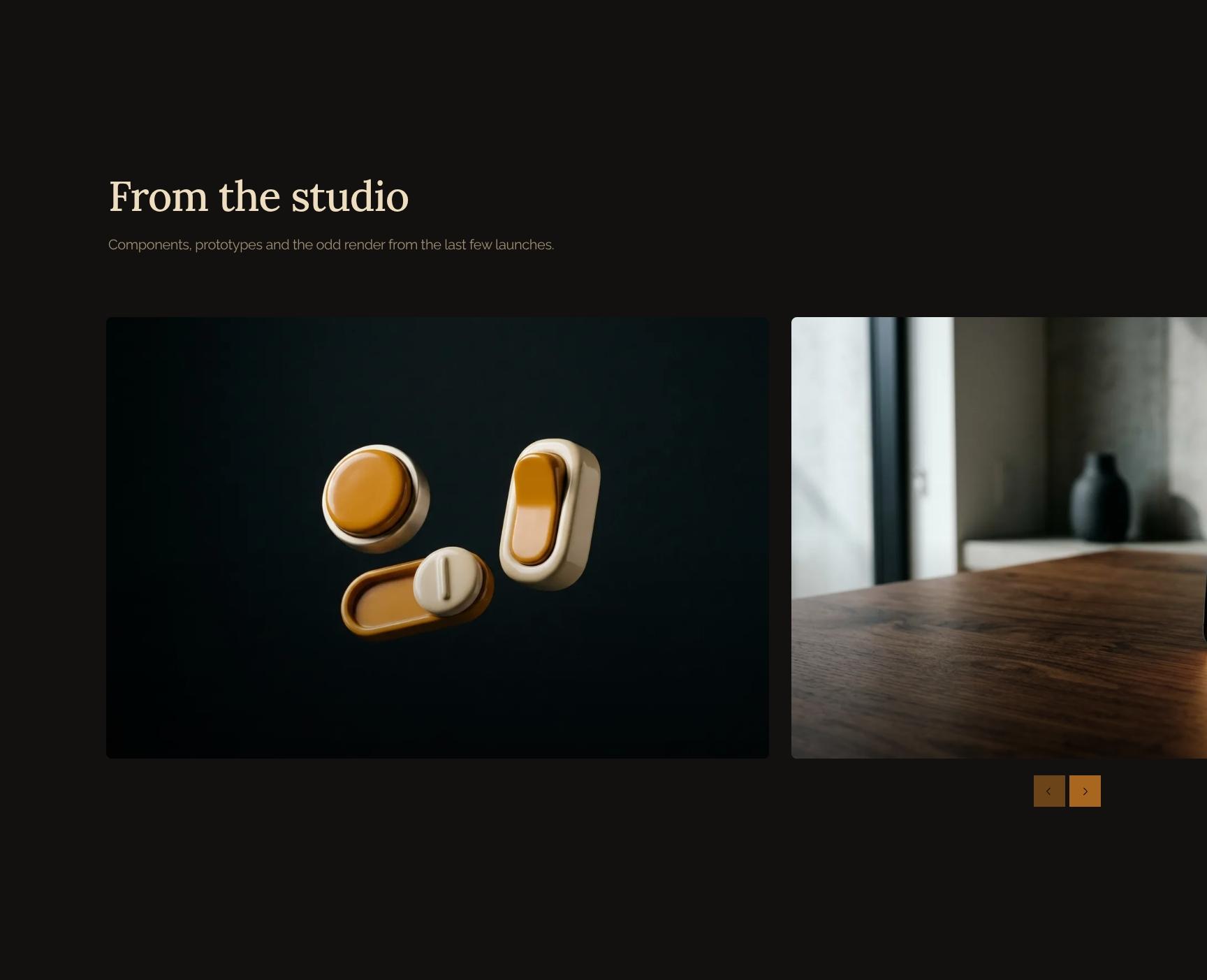
Behind-the-Scenes Gallery of Components and Prototypes
A visual gallery of components, prototypes and renders from recent launches. It reveals craft and process details that polished case studies hide, adding personality and showing technical depth.
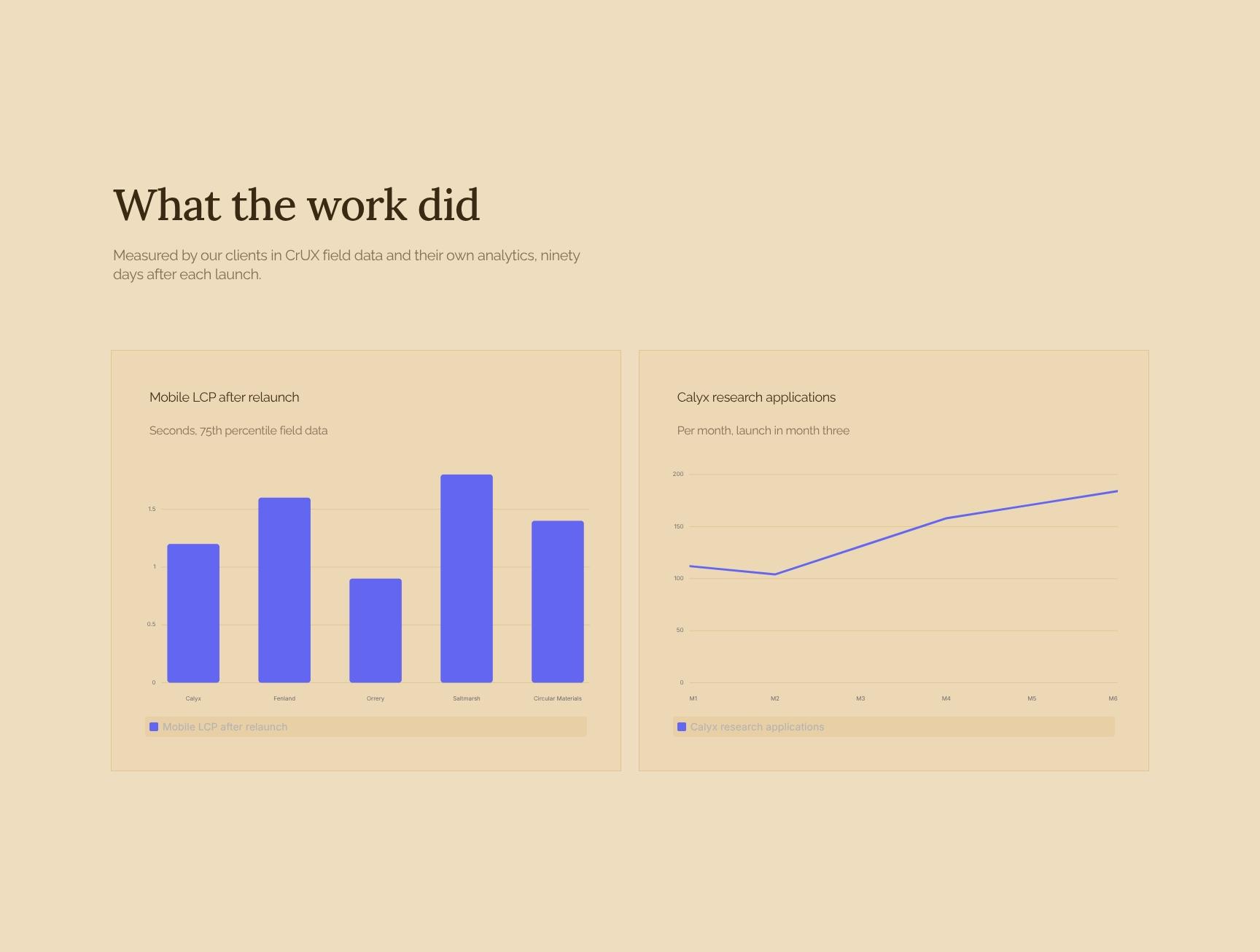
Outcomes Dashboard with Client-Measured Performance Charts
Charts showing what the work achieved, using CrUX field data and client analytics ninety days after launch. Transparent, third-party-style evidence builds trust and supports data-driven buyers.
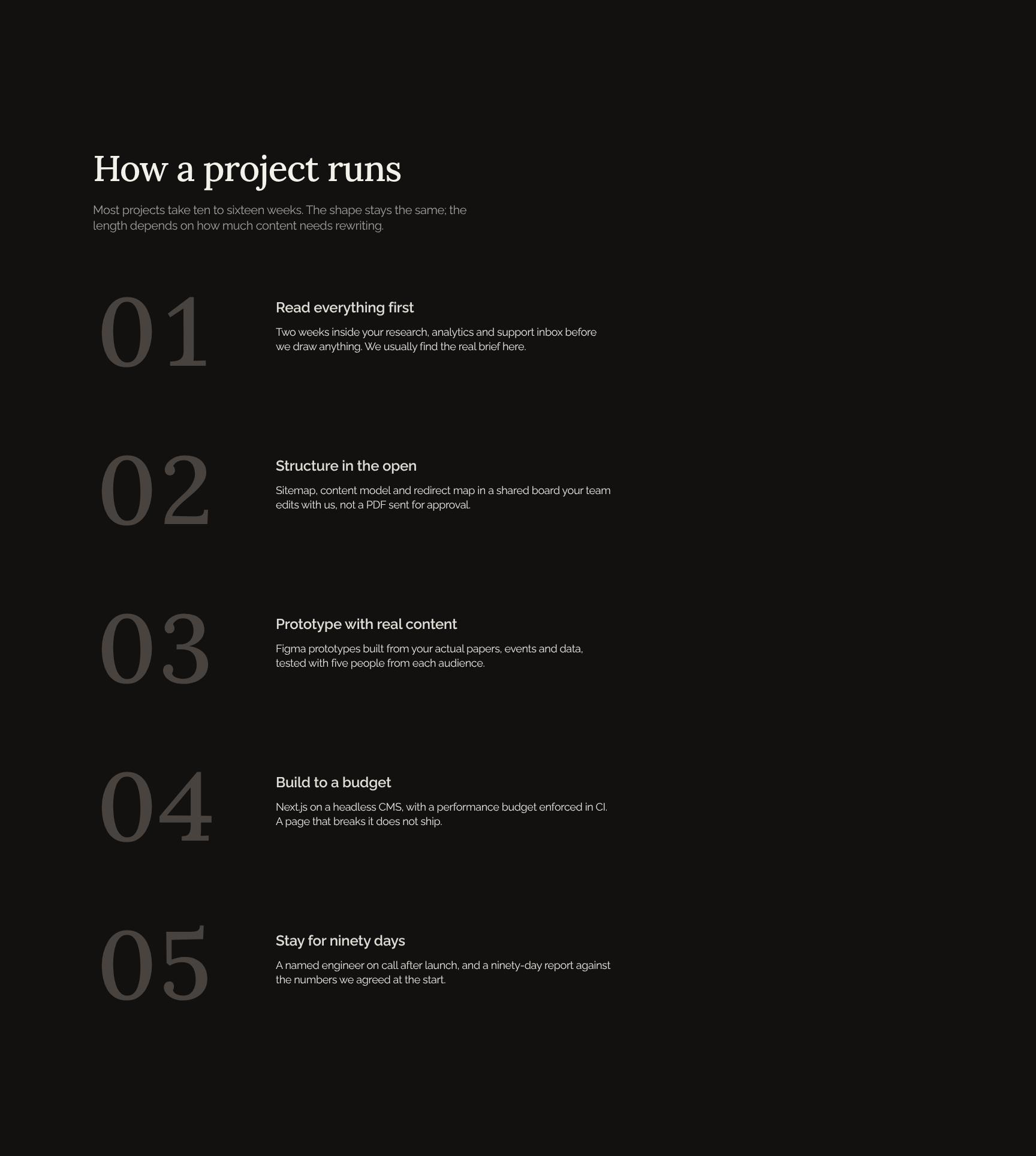
Project Process Timeline: How a Project Runs
A step-by-step view of a typical ten to sixteen week engagement, explaining the consistent shape and what affects duration. It sets expectations, reduces uncertainty and helps prospects plan with confidence.
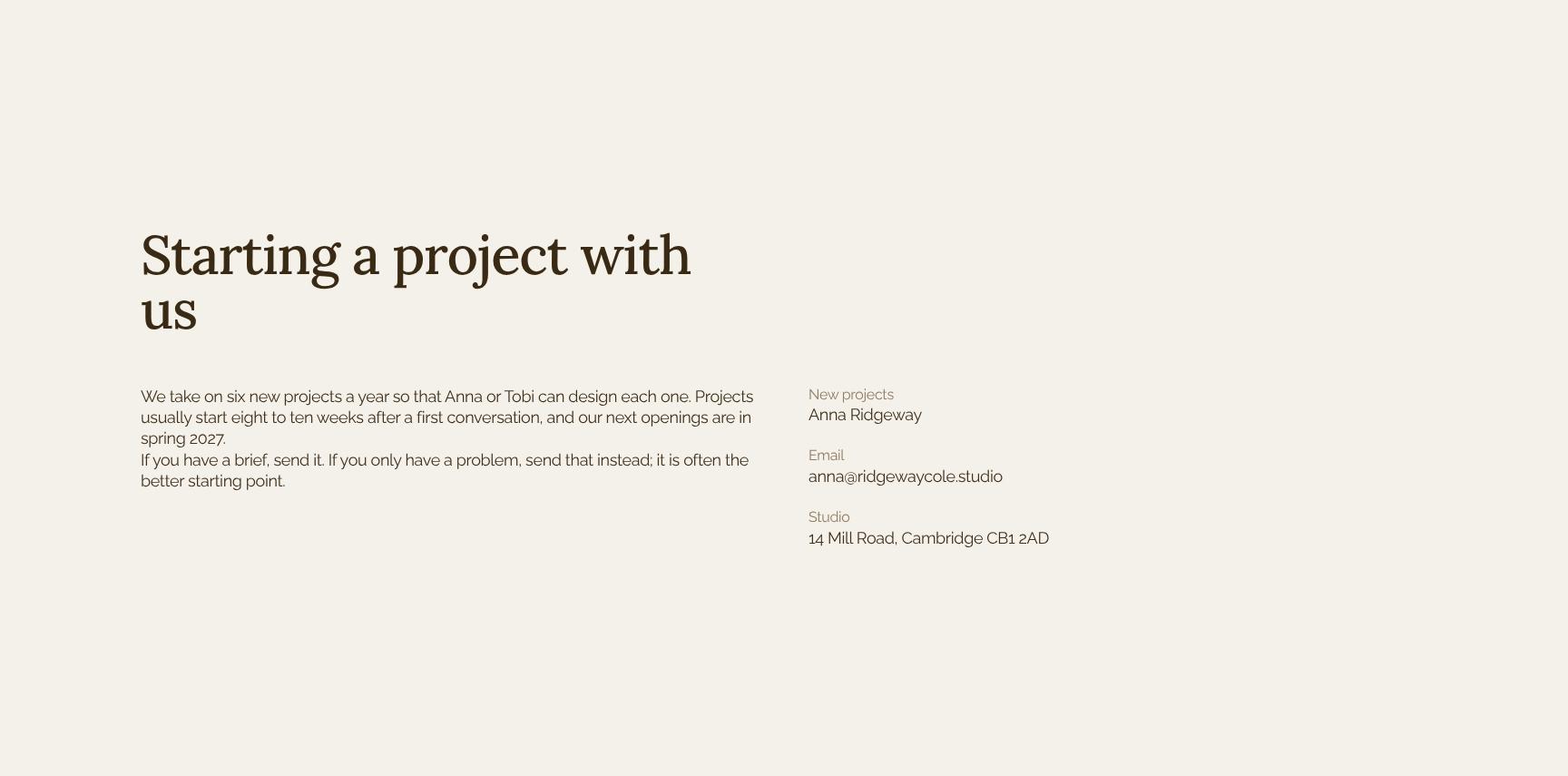
Starting a Project: Capacity, Lead Times and Availability
Clear guidance on working together: six new projects a year, an eight to ten week lead time and spring 2027 openings. Scarcity and transparency encourage serious enquiries and qualify leads early.
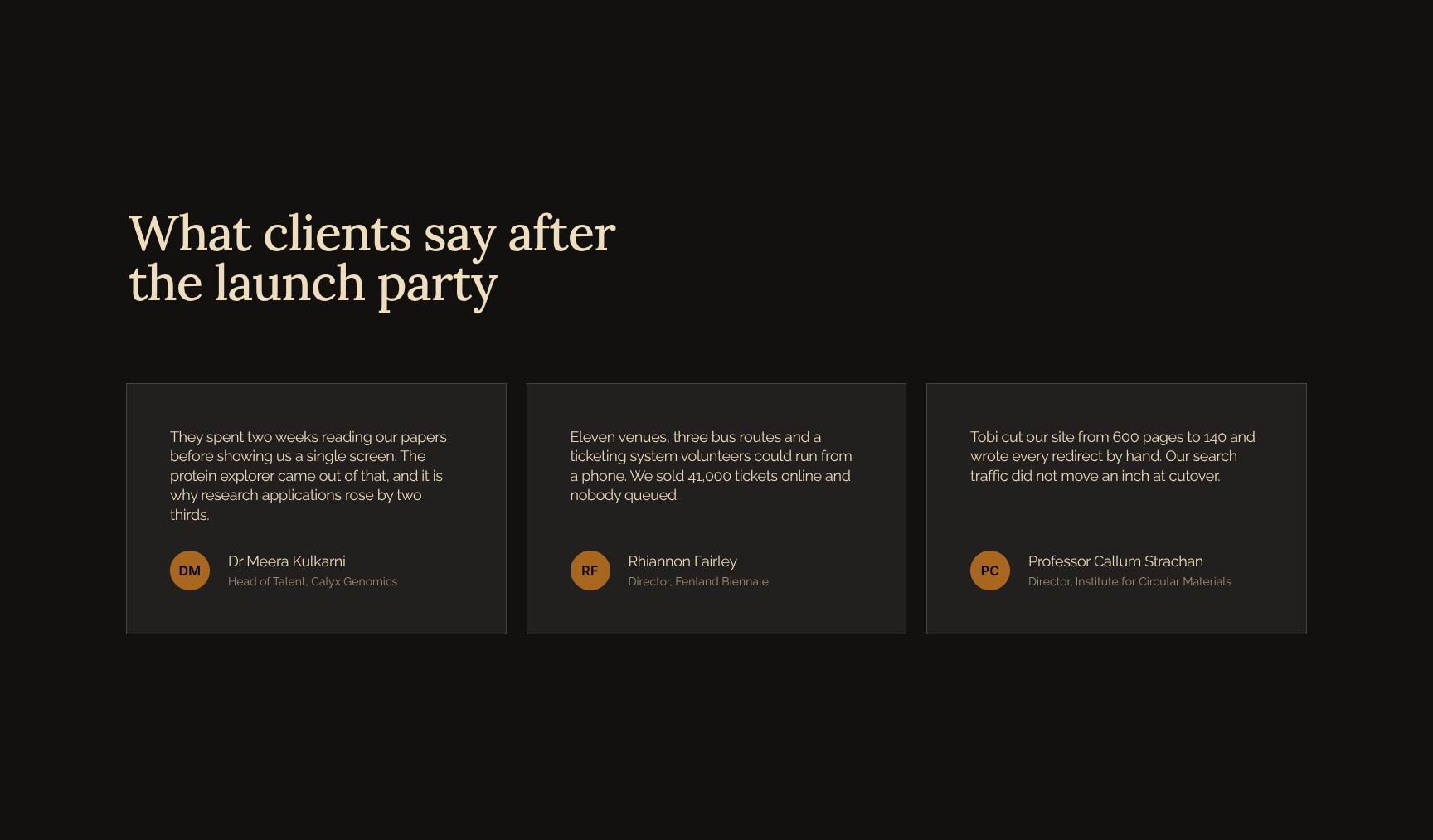
Client Testimonials from Research and Science Leaders
Quotes from clients such as Dr Meera Kulkarni, tying the studio's deep research approach to real outcomes. Named, credible endorsements give social proof that reassures prospective clients before they get in touch.
Find your answers
Answers to common questions about building a web design studio portfolio for research, culture and science clients.
A strong studio portfolio opens with a cover and a clear positioning statement, then introduces the studio, its point of view, and a curated selection of featured work. This template also includes an index so clients can scan every project quickly. Together, these six sections show who you are, what you believe, and the results you deliver.
Replace the placeholder text in each section (Cover, Positioning, The studio, Point of view, Featured work, and Index) with your own copy, images, and project details. Then adjust fonts, colors, and logo placement to match your brand. Each section is built to stand alone, so you can reorder, duplicate, or remove pages without breaking the layout.
Yes. You can export the finished portfolio as a PDF for email attachments and client proposals, or share it as a link or web view where your tool supports it. For the best results, use high-resolution images and export at print quality if you plan to print it.
Yes. The structure of positioning, studio story, point of view, and featured work suits any studio-based creative business, including graphic design, architecture, branding, photography, and interiors. You can adapt the Featured work and Index sections to match your industry's case study format or project categories.
Aim for three to six of your strongest projects so the portfolio stays focused and easy to scan. Pick work that supports your positioning and shows the kind of clients you want to attract. List any additional projects in the Index so nothing gets left out.
Browse more digital & web design templates
More portfolio templates for studios and creatives who pitch complex, research-driven work to clients.